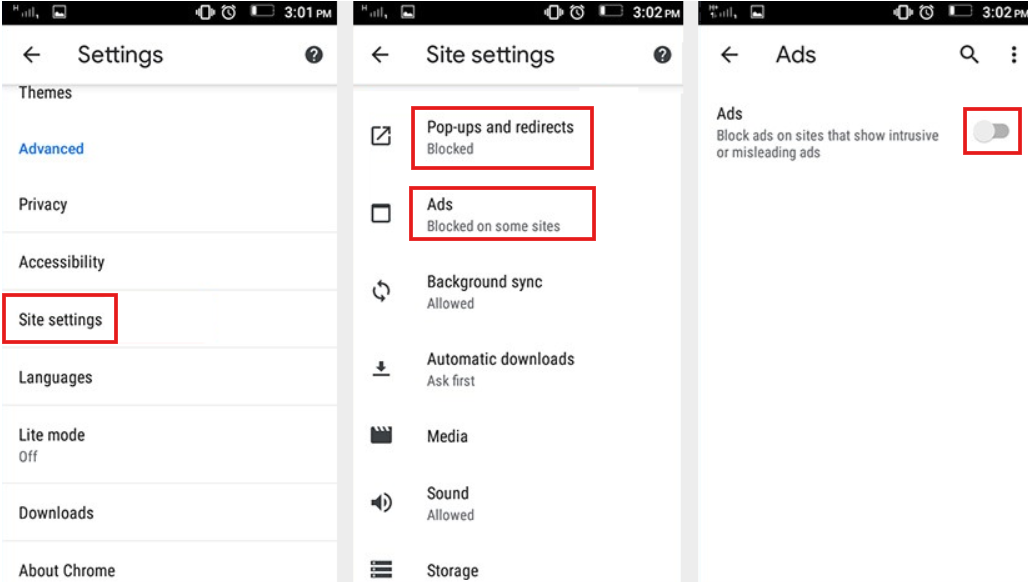
Open a browser and go to myaccount.google.com. Sign in, then click "Data & personalization." Scroll down to "Ad personalization." This is the mothership of ad controls. Turn everything off. Every time you do, Google will weep a single digital tear.
Fun fact: If you turn off ad personalization on your phone and your computer, Google’s algorithm might think you’re a ghost. It will start showing you ads for séance kits and spirit boards. You’ve been warned.

