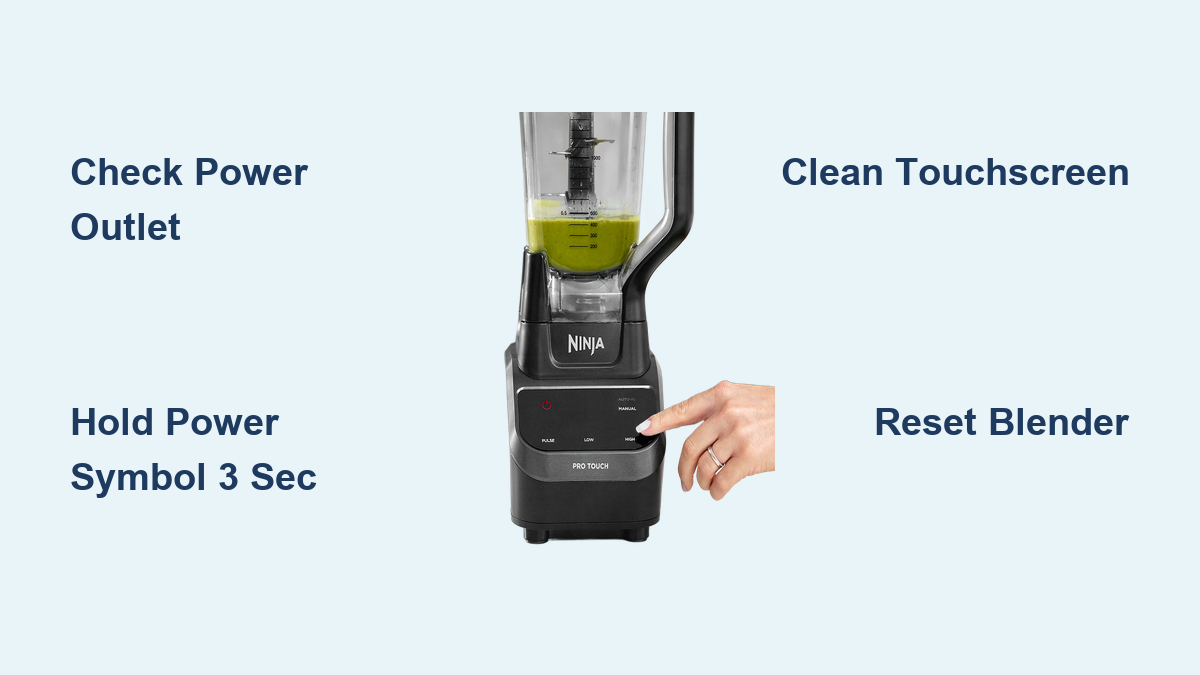
Okay, now look at the base of your Ninja. Depending on your model, you’ll see a panel with buttons. They might say “Pulse,” “Low,” “High,” or just have a big power icon. The power button is usually the largest one, because these engineers know we’re all a little blind in the morning.
Press it. Nothing happens? Don’t panic. Most Ninjas require you to select a speed after pressing power. It’s like asking the blender what it wants to do today. Try pressing “Start/Stop” if you see one, or just hit “High” and brace yourself.
Wait, There’s a “Pulse” Button Too
Ah, the pulse button. It’s the blender’s way of saying, “I’ll do a quick angry rev, then stop.” You hold it down for short bursts. Great for chopping nuts or pretending you’re in a race car. But for a full blend, you’ll want a continuous setting, like “Low” or “High.”
If your Ninja has an Auto-iQ program (fancy name, I know), just press that. It does everything for you—start, stop, and even a little pause to show off. It’s basically the blender’s cruise control.

