
On a laptop or desktop, Google Voice Typing usually lives inside a Google Doc or the Chrome address bar.
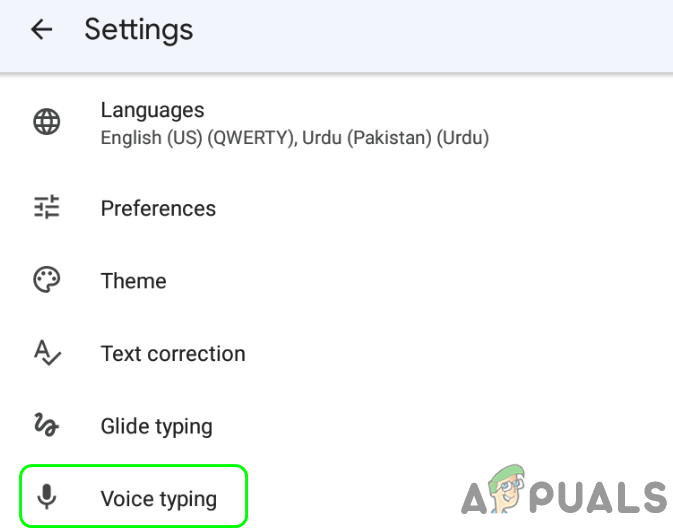 How to Turn Off Google Voice Typing Feature on Android
If words are appearing out of thin air, look for a tiny microphone icon inside your document. It’s often next to the “Tools” menu or floating like a ghost. Click it.
Still won’t stop? Go to the top menu: Tools → Voice Typing. Uncheck it. Boom. Your keyboard is now your loyal, silent friend again.
And if you’re in an address bar? Just press the “X” on the microphone pop-up. It’s like closing a chatty window—very satisfying.

